

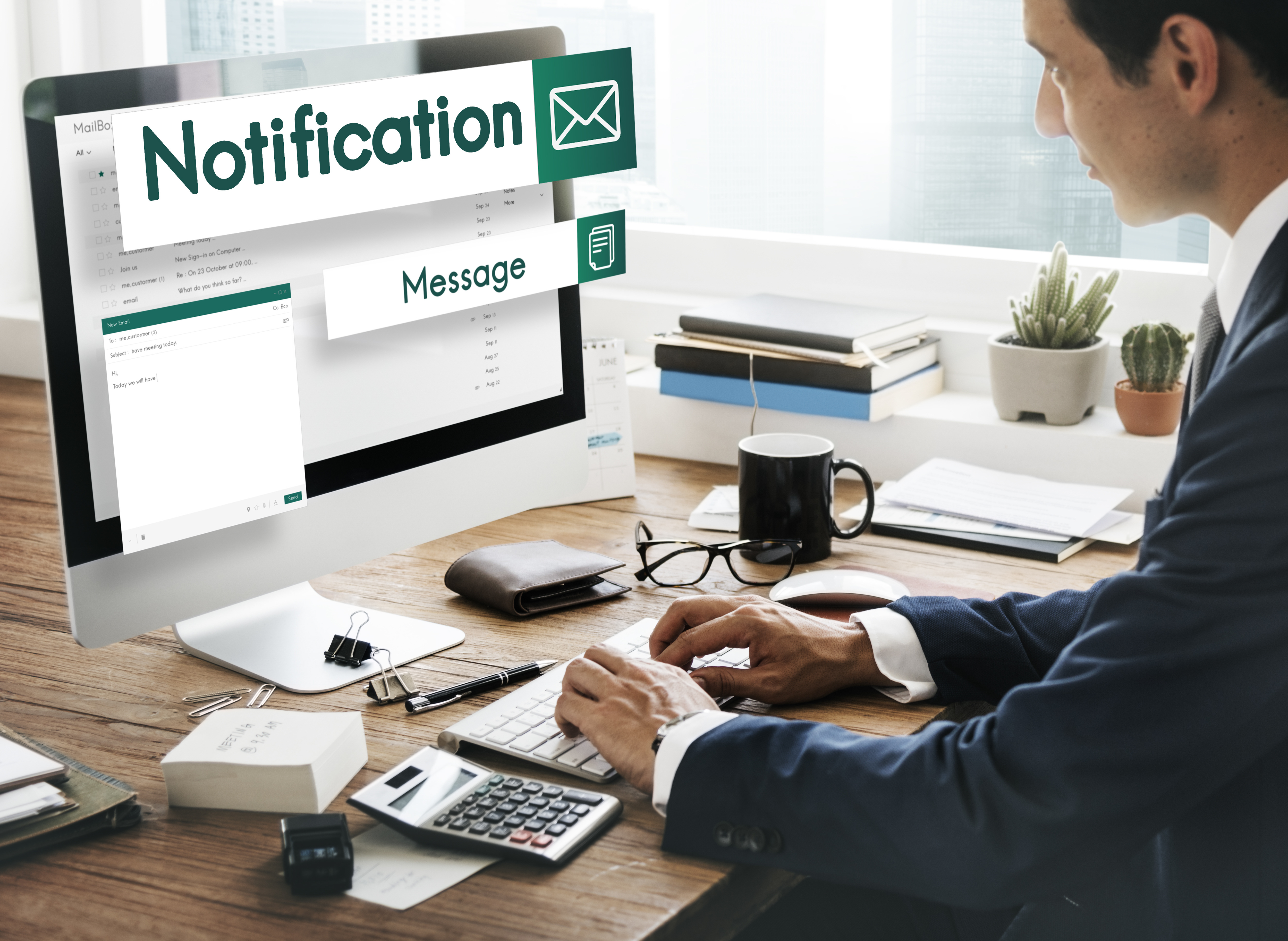
When you are in business, especially with so many leads and customers, you have little time to follow up on every lead and update customers. Often, you get no response; in many cases, the cart is abandoned, and old customers slip away because you simply don't have time to send the next email. Email automation is a quick solution. It delivers targeted messages based on human actions, preferences, and position in the purchase cycle, without people having to write them.
Creating these emails takes more than a tool; they need the right timing, content, and audience to be helpful, not intrusive. This is where a digital marketing agency steps in to plan and test email automation workflows around your business goals so that each message earns its spot and supports revenue.

Contents.

Understanding How Email Automation Works
Email automation uses preset rules to send messages when a contact signs up, clicks, buys or goes quiet. Each workflow runs itself once it’s built. So leads and customers hear from you at the right time.
A basic automated pattern has the following elements:
- A clear trigger event
- Rules for those who qualify
- Timed and relevant messages
- Tracked opens, clicks, and sales
Getting all the patterns right involves extensive testing and regular maintenance. That is why most businesses rely on a digital marketing agency to build and refine these steps as audiences and products change.
Essential Automated Email Sequences That Drive Repeat Revenue
Here are the workflows that match most businesses and mix seamlessly into lifecycle email marketing so that you can add them one at a time.
Welcome Series for New Subscribers
A welcome series will greet new subscribers within moments of signing up and introduce your business, products, and what to expect next. Early emails will gain most attention, so this workflow will set the tone right, moving contacts to their first purchase.
Good welcome emails typically include the following elements:
- A clear and warm introduction
- A simple initial offer
- Links to popular pages
- Preferences and choices for subscribers
Professionals often decide how many welcome emails to send and when, fitting them into broader email marketing strategies so every message directly supports your goals.
Lead Nurture Sequence for Warm Prospects
A lead nurture pattern sends useful emails to people who showed interest. However, they’re not ready to buy yet. It will answer the common questions, build trust over a couple of weeks, and hand the leads to your sales team once they show clear buying intent.
Effective lead nurture emails share the following qualities:
- Answer a single question in every email
- Spaced several days apart
- Clear next steps offered
- Stop whenever the lead starts to convert
The professionals will decide the type of leads that enter this track and craft product launch emails so that interested buyers hear about the latest offer before anyone else.
Cart and Browse Recovery Emails
Most consumers check out a product and add it to their cart but don't purchase it. This workflow recovers customers who viewed my product, added it to their basket, but didn't complete the purchase by reminding them within hours. It gives them a visual reminder of what they saw and removes obstacles, like a shipping question or a return policy that makes them hesitate.
These are the elements of recovery emails:
- Images of the items that were viewed
- Click on this link to go back to the previous page
- Short delivery and return notices provided
- A small incentive
Behavioral email triggers, based on the user's behavior, determine when and how often reminders should occur so they aren't repetitive or pushy.
Win Back Campaigns for Inactive Customers
Customers who stop opening emails or making purchases cost very little to maintain but are expensive to replace. A win-back workflow messages those who haven't engaged for a while. This message re-engages them with a useful update or a good offer that’s worth coming back for.
Employ the subsequent tactics in a win-back sequence.
- Reinforce what attracted them to you
- Promote new products or services
- Make an offer with an expiry date
- Inquire about remaining as a subscriber
Experts will define the silence timeframe from the outset and study how predictive AI changes email personalization to determine who will likely return.
Appointment and Renewal Reminders
Service-based businesses and subscription brands often lose revenue when they forget to book, renew or reorder. Reminder workflows will send timely notes before the date, confirming every detail to make it easier for clients to reschedule or reorder.
Reminders that follow this timing include:
- Confirmation post-booking
- Reminder several days before
- Final note on the same day
- Follow-up right after the visit
Professionals often select reminders that match their service type using segmentation and personalization, so every customer gets details that match their booking or plan.
Conclusion
One of the few channels a business can fully own is email, a system that keeps you top of mind between every sale. Gradual improvement in timing and relevance accumulates benefits over time.
At Trena Digital, we assist eCommerce and service companies to grow with scalable campaigns, higher conversions and steadier customer acquisition. Our team links all recommendations to return on investment and revenue growth.
Get in touch with us today to establish an email program that generates new leads, wins repeat sales, and delivers measurable outcomes.
Frequently Asked Questions
How many emails should have an automated workflow?
Most workflows require between three and six emails. Begin with a small number, monitor open rates, then increase as needed.
Which tools of email automation are best for small businesses?
Many small teams are suited to Mailchimp, Klaviyo and HubSpot. Opt for one that integrates with your CRM and fits your monthly budget.
What’s the best way to ensure automated emails never go to spam?
Configure SPF, DKIM, and DMARC; remove inactive contacts; and reach out only to people who agreed to hear from you.
About the Author.

